Commercial AV Systems: What Actually Causes Failures

It is common to look first at the physical hardware when a screen goes dark or audio drops during a critical presentation. However, professional-grade equipment is remarkably reliable when properly specified and maintained.
At Brightengale, our experience as a commercial AV integrator has shown that when equipment appears to fail, the hardware is often just exhibiting a symptom of an issue rooted elsewhere in the system. Understanding the true causes of failure requires looking at the technology’s entire lifecycle.
Drawing on our expertise in designing and managing complex environments, this guide explores common root causes of disruptions and outlines practical steps to reduce issues during the design, installation, and post-install phases.
The Hardware Illusion: Why “Broken” Equipment May Be a Symptom
When conference room technology or background music systems stop working, the immediate reaction is often to treat the device as dead and in need of replacement. However, looking at AV as an interconnected ecosystem reveals a different reality.
In commercial environments, isolated hardware failures are often less common than issues related to infrastructure, network connectivity, configuration, environmental conditions, or user operation. Replacing a display, microphone, or other component without diagnosing the underlying system environment could result in the new equipment experiencing similar issues.
To truly address audio-visual problems for businesses, organizations must look beyond the individual device.
Phase 1: How AV Systems Can Fail During the Design Stage
Long before a screen flickers or a microphone drops out, the foundation for future issues are laid during the initial planning phase of your commercial AV projects.
Disconnecting AV from the IT Network
Modern commercial AV systems often function as networked endpoints that require proper IP address allocation, bandwidth planning, and security coordination. They have a critical dependency on your underlying network infrastructure.
Failures can occur when AV systems are designed in a silo without detailed infrastructure coordination with the internal IT department. A lack of AV + IT network integration may contribute to:
- Dropped video conferencing calls
- Unresponsive touchscreen controls
- Other connectivity issues users may misidentify as broken AV equipment
Specifying Equipment Without Considering Daily Usability
Systems may appear to “fail” when they are too complex for the average corporate employee or hospitality staff member to operate confidently. User error may cause the system to stall or create avoidable support requests when starting a hybrid meeting requires a multi-step manual process, switching multiple inputs, or navigating unclear control options.
Practical system design should focus on intuitive control, clear project scoping, and how the room is actually used each day. Avoiding complexity that does not support the user’s workflow is essential. If a system is too difficult to operate, frustrated users may stop using the technology entirely, which can reduce the value of your AV investment.
Phase 2: Hidden Failures During Installation and Integration
Even with excellent design, poor physical implementation can degrade system reliability over time. The physical layer behind the walls that users never see is where quiet failures can begin.
Compromised Structured Cabling and Infrastructure
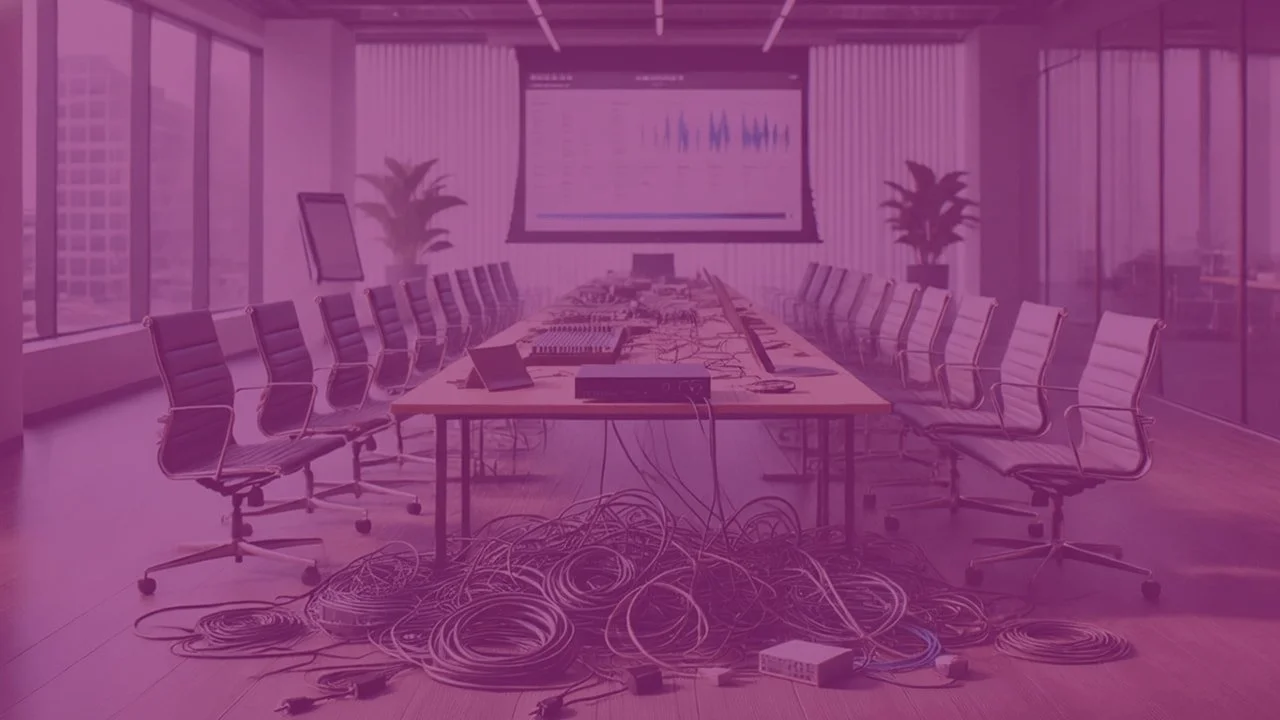
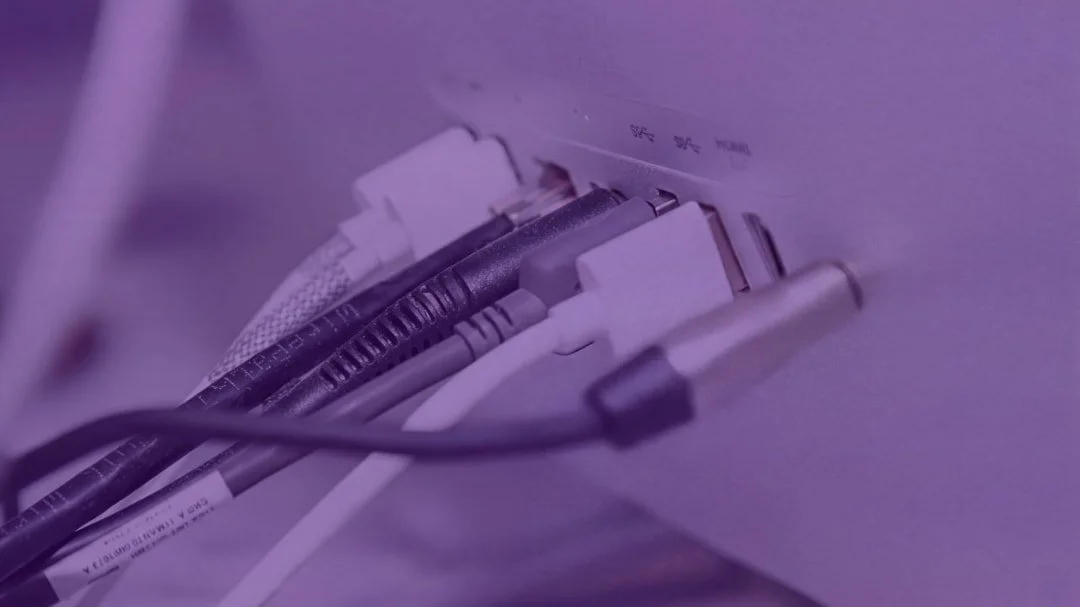
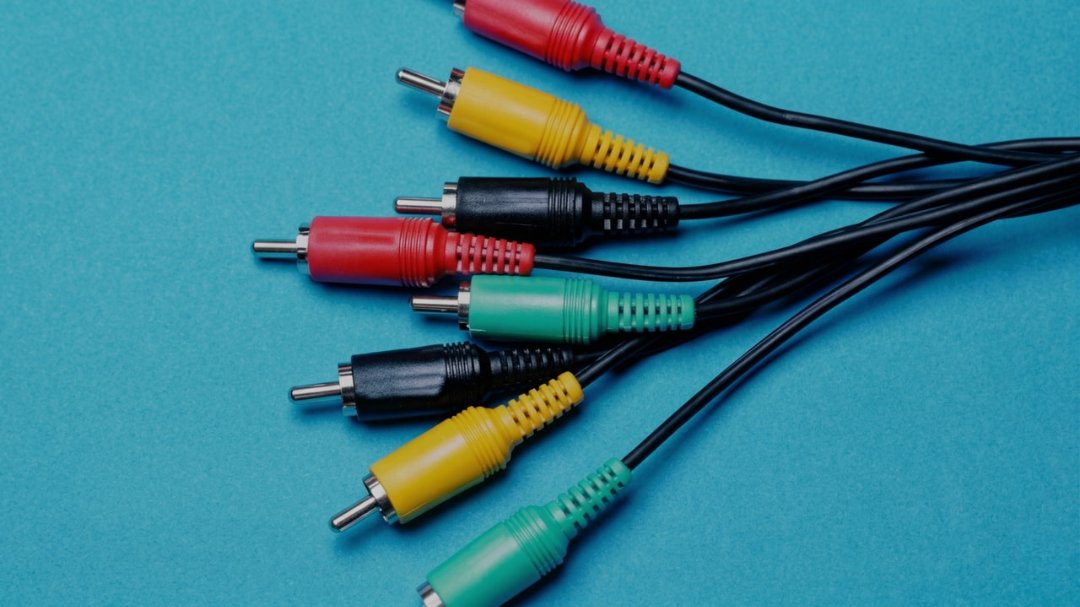
Improper network cabling can cause reliability issues that may be difficult to diagnose over the life of the system. Cables can gradually degrade signal quality when they are stretched tight, sharply bent around corners, improperly terminated, or routed too close to sources of interference.
This degraded signal quality may lead to:
- Intermittent static in sound systems
- Flickering or dropping displays
- Inconsistent device performance
Skipping System Tuning and User Training
An installed system is not complete until it has been tuned for the specific acoustics, lighting, and physical dynamics of the room. Without tuning and speaker testing, poor audio clarity can make speech difficult to understand. Poor audio clarity can make the system harder to use in large corporate or hospitality spaces, leading users to believe the equipment is failing.
Furthermore, failing to provide customized training for users on newly installed technology systems can contribute to operational issues, user confusion, and unnecessary support tickets.
Once installed and tuned correctly, long-term performance often depends on how the system is supported after the installation team leaves.
Phase 3: The Post-Install Maintenance Gap
One of the leading reasons commercial AV systems stop working is the lack of ongoing care. Without proactive management, environmental factors and software decay can compromise an otherwise healthy system.
Physical Neglect: Dust, Heat, and Ventilation
Commercial AV equipment can generate significant heat and often requires continuous, unobstructed airflow to function properly. In busy environments, dust can easily accumulate in fan ports, lenses, filters, and equipment racks.
This physical neglect may cause projectors, amplifiers, and displays to overheat. Overheating can potentially trigger thermal shutdowns, reduced performance, and premature wear on internal hardware components.
Furthermore, premature hardware failure may not be covered by manufacturer warranties if environmental neglect is determined to be a contributing factor.
Software Decay and Outdated Firmware
Because modern AV systems rely heavily on software, they can become more vulnerable to software decay if left unmanaged. When firmware is left unpatched, devices may gradually lose compatibility with updated video conferencing platforms, control interfaces, network requirements, and other connected devices.
Software updates should be treated as a routine maintenance consideration rather than a reactive fix applied only after a system stops communicating with the network.
A planned update process can help reduce compatibility issues while allowing technical teams to test changes before they affect daily operations.
Taking Steps to Help Prevent Commercial AV Failures
While the causes of AV failure can vary, many are preventable with a proactive approach to technology management and ongoing system care.
Standardizing Your AV Technology
Reducing the variety of equipment brands and user interfaces across a facility can help minimize the chances of system conflicts. Thoughtful system design that relies on standardization creates consistency, which helps reduce points of failure across any environment.
Standardization can also help IT teams:
Manage updates more efficiently
Simplify system troubleshooting
Support rooms more consistently
Reduce the learning curve for staff
Most importantly, standardization can help staff feel more confident using different rooms in the building. This may reduce the number of reported "failures" that are actually caused by user confusion or inconsistent operation.
Implementing a Preventative Maintenance Program
Moving from reactive emergency repairs to a structured preventative maintenance program can help catch environmental and software issues before they impact daily operations.
Quarterly scheduled maintenance visits allow technicians to safely clean internal components, apply needed software updates, verify that systems are functioning as designed, and identify wear, configuration issues, or environmental concerns.
Additionally, active monitoring for networked devices can help a technical partner identify offline equipment early, investigate connectivity issues, and intervene before a critical meeting or event is disrupted. Relying on ongoing maintenance shifts your AV strategy from waiting for equipment to break to actively keeping it running.
Transitioning to Proactive AV Support
If your facility is experiencing frequent AV disruptions, the root cause may be deeper than the hardware itself.
Brightengale operates as a consultative technical partner, offering lifecycle support from initial AV + IT integration through ongoing system care. We help organizations design, install, maintain, and support commercial systems that fit the way their spaces are actually used.
Contact our Houston-based team to discuss:
Standardizing your conference room technology
Improving AV + IT integration
Implementing a preventative maintenance program
Keeping your systems reliable over
Explore Brightengale’s AV services today to see how we can help you build and maintain a reliable audio visual system.
Read next